
You can easily add a form by using the WPZOOM Forms block in the Gutenberg editor or by inserting the provided shortcode. For step-by-step guidance, visit the plugin documentation.
FLASH SALE Get 20% OFF everything using the coupon code: FLASH20 View Pricing Plans →

WPZOOM Forms PRO is a WordPress form plugin, offering a drag-and-drop builder, pre-built templates, and advanced spam protection to create professional, seamless forms for your website.

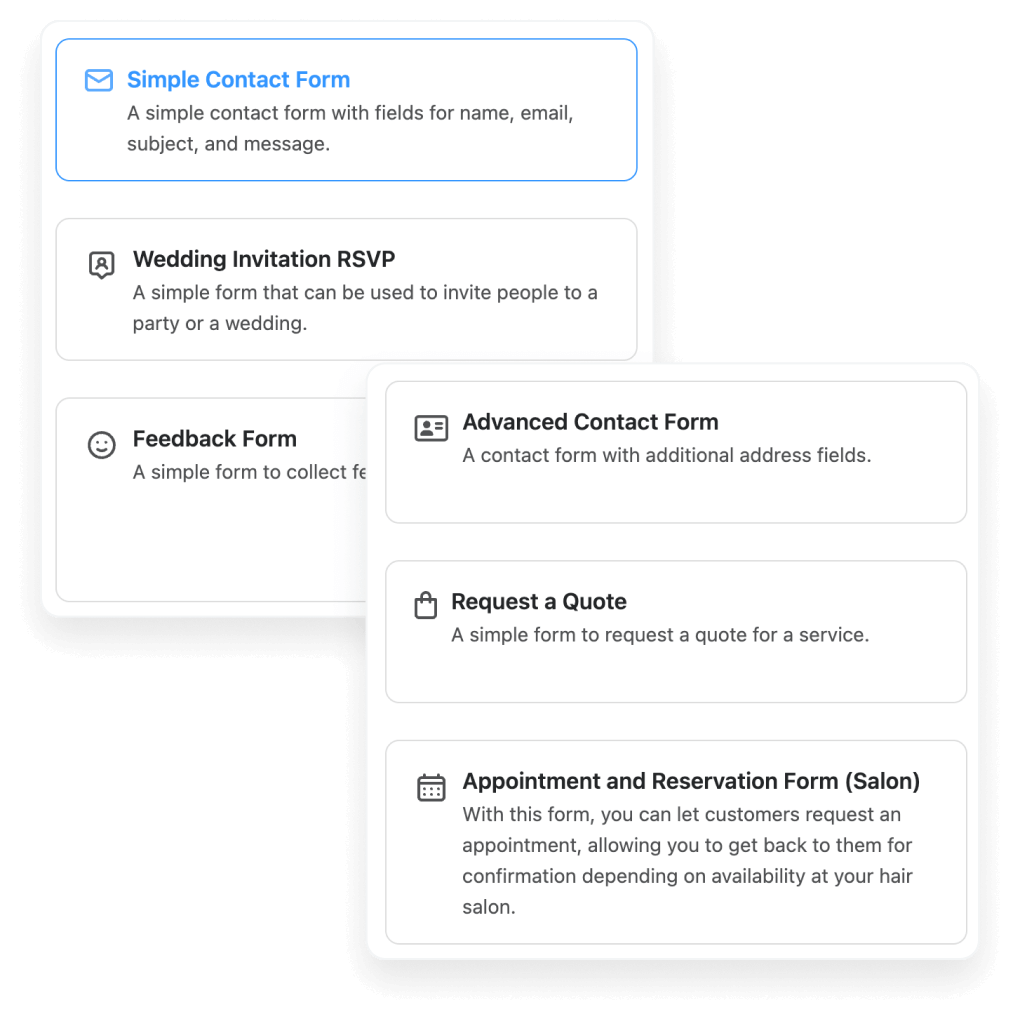
Choose from a wide range of professionally designed templates to simplify your form creation process and ensure every form looks polished and performs perfectly.
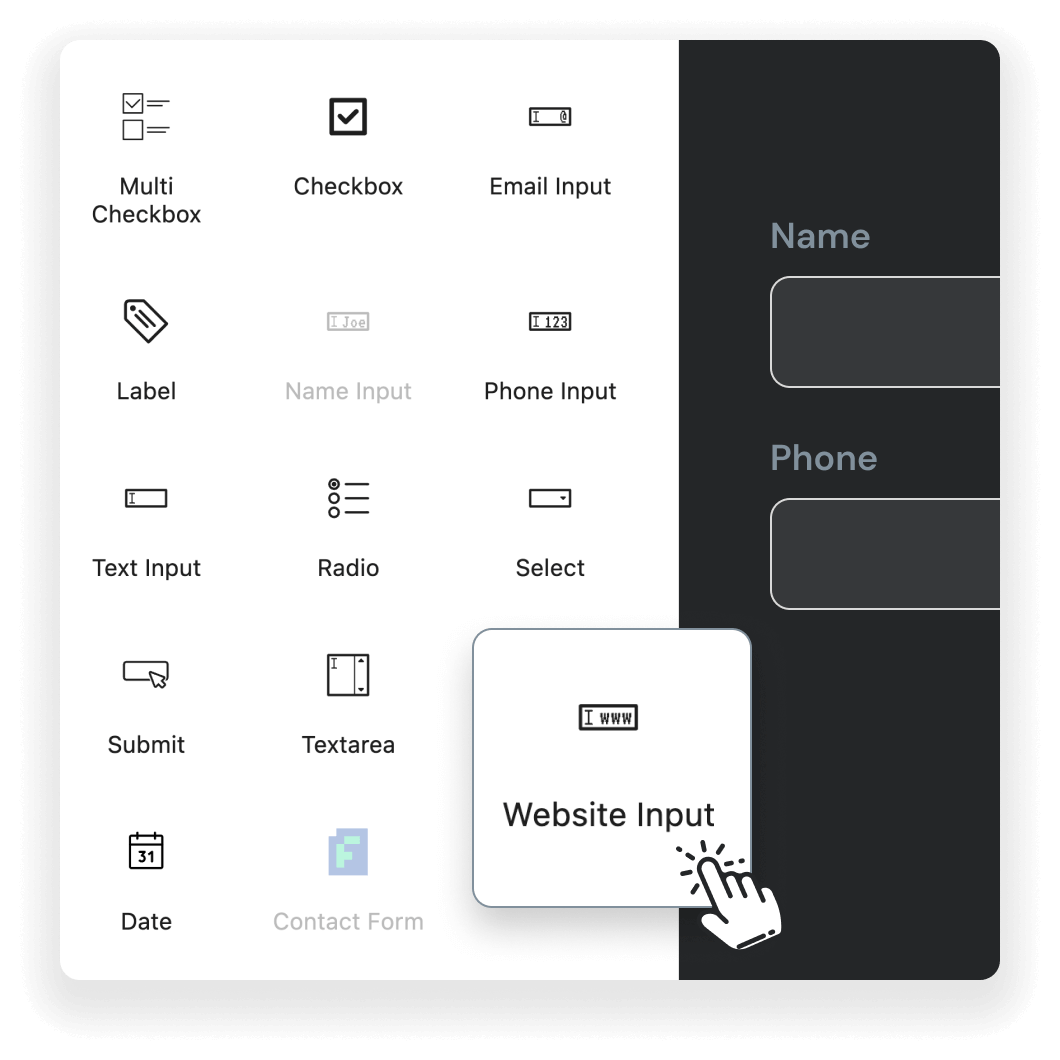
Build forms effortlessly using drag-and-drop editor with this intuitive form plugin for WordPress. No coding skills are required to create visually appealing and fully functional forms tailored to your website's needs.
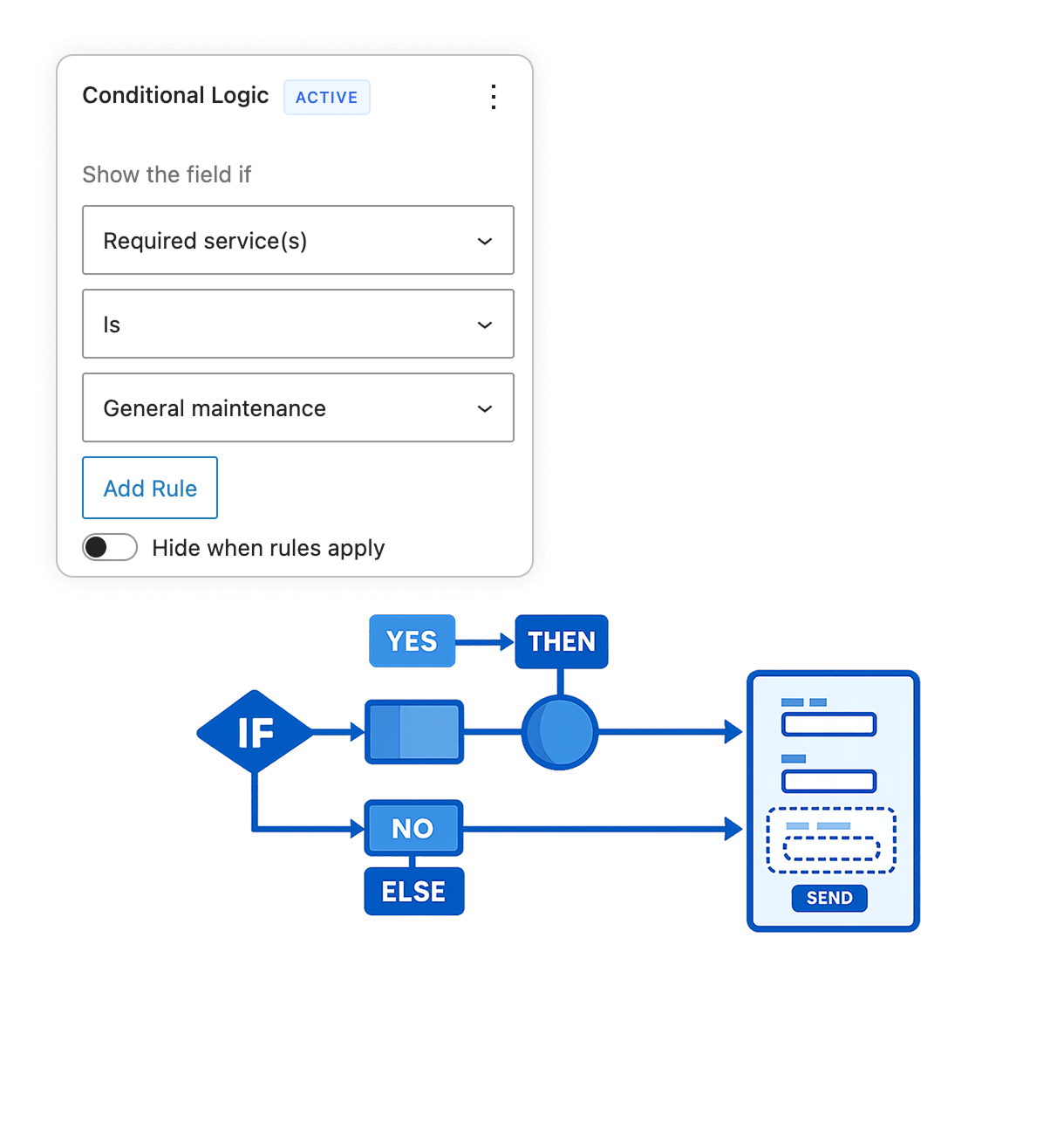
Create smarter, dynamic forms that adapt to user input. Show or hide fields based on previous answers, making your forms shorter and more relevant for each visitor.
Kickstart your form creation with 30+ pre-designed templates across multiple categories: Contact, Healthcare, Education, Real Estate, Restaurant, HR, and more. Quickly adapt them to suit any purpose.

Describe your form in plain language and let AI create it for you! Simply type what you need, and watch as the perfect form is generated instantly. You can even improve your prompt using AI so it will include the right fields for your form.
Connect your forms directly to Mailchimp and automatically add subscribers to your audiences or create dedicate newsletter forms. Map form fields to Mailchimp fields and grow your email list effortlessly.


Let users submit forms without reloading the page. Keep them on the same screen and show instant confirmation messages.
Let visitors attach PDF files and images through your forms — perfect for resumes, briefs, or media.


Safeguard your forms with reCAPTCHA, Cloudflare Turnstile, and Akismet integration. Keep spam at bay while maintaining a seamless experience for genuine users.
Get instant email notifications for every form submission. Tailor email templates to match your branding and stay connected with your audience effortlessly.

Keep your forms spam-free with Akismet integration, offering reliable protection and ensuring only legitimate submissions reach your inbox.
Seamlessly embed forms on any page, including those built with Elementor, and maintain consistent design across your website.
Use shortcodes or Gutenberg blocks to easily place forms on any page, post, or widget-ready area of your WordPress site.
Add versatile date and time picker fields to create forms for bookings, appointments, reservations, or scheduling needs with ease.
Automatically store form submissions in your WordPress Dashboard, making it easy to view, organize, and respond to user messages efficiently.
Add a GDPR-compliant consent checkbox to your forms with customizable text and privacy policy links for legal compliance.
Easily transfer forms between sites or back up your work. Export submissions to CSV files for reporting and analysis.
Clone any form with a single click. Quickly create variations of existing forms without starting from scratch, saving time and effort.
Show or hide form fields based on user selections. Create dynamic, personalized forms that adapt to each visitor's responses.
All with regular updates, new features – and our excellent support!

We're so confident you’ll be happy with our WordPress plugins we’re offering a 14-day money back guarantee, so you can purchase risk free.
How do I add a form to my page or post?
You can easily add a form by using the WPZOOM Forms block in the Gutenberg editor or by inserting the provided shortcode. For step-by-step guidance, visit the plugin documentation.
Does WPZOOM Forms include spam protection?
Yes, WPZOOM Forms includes robust anti-spam measures. Use Akismet for spam filtering, reCAPTCHA, or Cloudflare Turnstile for enhanced protection. Akismet API keys are free for non-commercial use.
How can I export form submissions?
You can export form submissions to CSV from the Import/Export section in the plugin's menu.
Can I translate WPZOOM Forms into my language?
Absolutely! WPZOOM Forms is fully localization-ready. Use tools like TranslatePress or Loco Translate to translate all plugin content into your preferred language.
Is WPZOOM Forms open for contributions?
Yes! WPZOOM Forms is open-source. Developers and contributors are welcome to enhance our form plugin for WordPress by accessing the Github repository.
Where can I leave a review for WPZOOM Forms?
We’d love to hear your feedback! Leave a review on the plugin’s page on WordPress.org to help others discover WPZOOM Forms.