
JavaScript setDate function is one of the Date Functions, which is useful to set the Day number of a given date as per local time. The syntax of the setDate function is as follows.
Date.setDate(Day_Number)
Here, we used the setDate function to set the current day to the 25th.
<!DOCTYPE html>
<html>
<head>
    <title> JS </title>
</head>
<body>
    <h1> Example </h1>
<script>
  var dt = Date();
  document.write("Date and Time : " + dt + "<br/>");

  dt.setDate(25);
  document.write("After : " + dt);
</script>
</body>
</html>
Example

Date and Time: Mon Nov 05 2018 11:45:07 GMT+0530 (Indian Standard Time)
After : Sun Nov 25 2018 11:45:07 GMT+0530 (Indian Standard Time)
In this set Date function example, we set the day number of a custom date to 31
<!DOCTYPE html>
<html>
<head>
    <title> JS </title>
</head>
<body>
    <h1> JavaScriptsetDateFunction Example </h1>
<script>
  var dt = Date("December 1, 2016 10:11:22");
  document.write("Date and Time : " + dt + "<br/>");

  dt.setDate(31);
  document.write("After setDate() : " + dt);
</script>
</body>
</html>
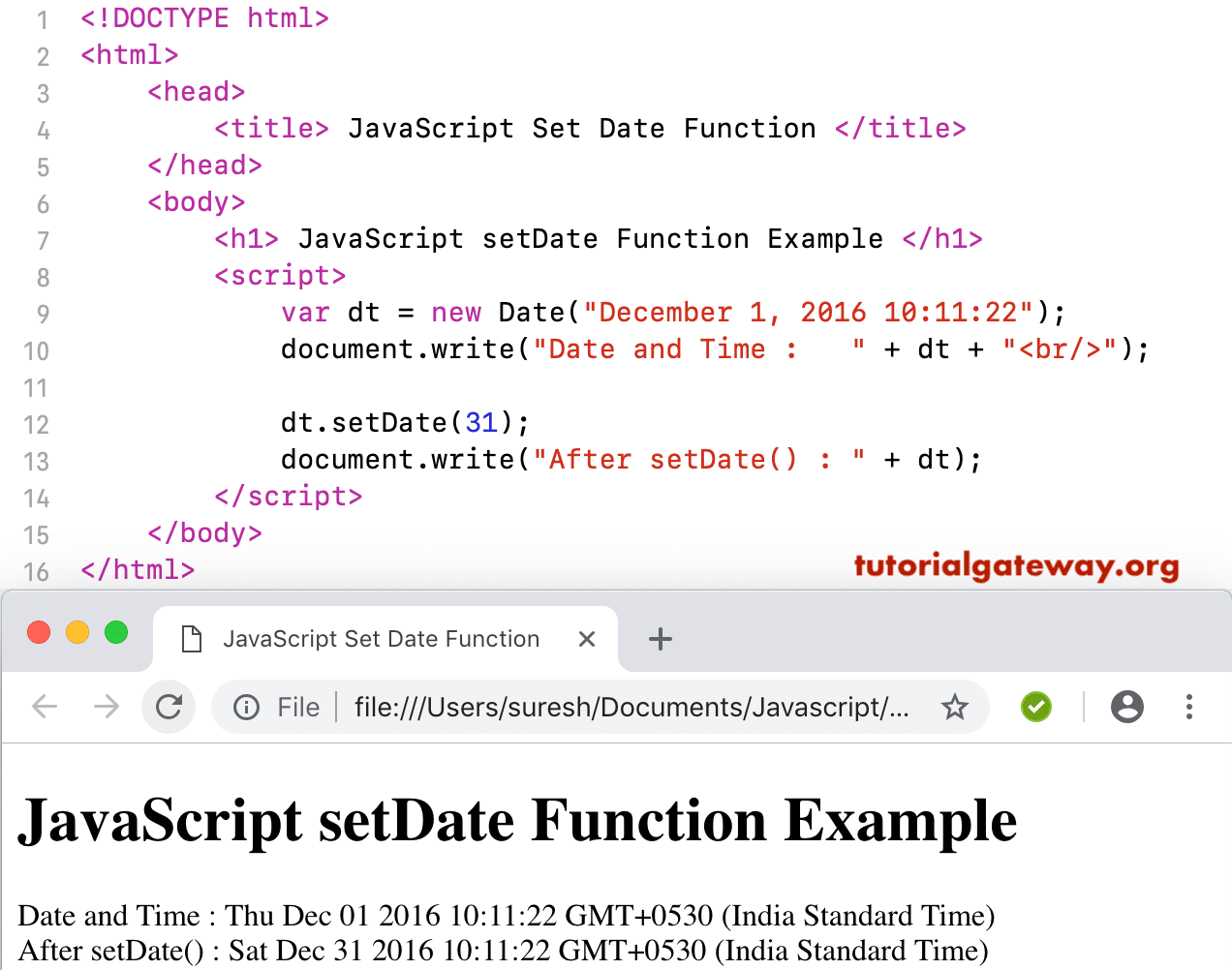
In this JavaScript set Date example, we set the day number of the custom dates (without Day or Month) to 31.
<!DOCTYPE html>
<html>
<head>
    <title> JS </title>
</head>
<body>
    <h1> Example3 </h1>
<script>
  var dt = Date("2016 10:11:22");
  document.write("DateTime : " + dt + "<br/>");

  dt.setDate(31);
  document.write("After : " + dt);
</script>
</body>
</html>
Example3

DateTime: Fri Jan 01 2016 10:11:22 GMT+0530 (Indian Standard Time)
After: Sun Jan 31 2016 10:11:22 GMT+0530 (Indian Standard Time)