


Hi everyone, welcome to the July update for Visual Studio Code for Java! This blog will cover the latest Gradle enhancements, user experience improvements and new Spring features, so let’s get started!
Gradle enhancements
HCR Support for Gradle Build Server
HCR (Hot Code Replace) is an advanced feature that debugger supports in VS Code Java. It allows you to start a debugging session and change a Java file without restart, and the debugger will replace the code in the running JVM. Previously, this feature does not support Build Server for Gradle which is used in Gradle Extension. With our recent update, we have implemented this support and now you’re able to utilize HCR in your debugging session. Here’s a demo of this feature.
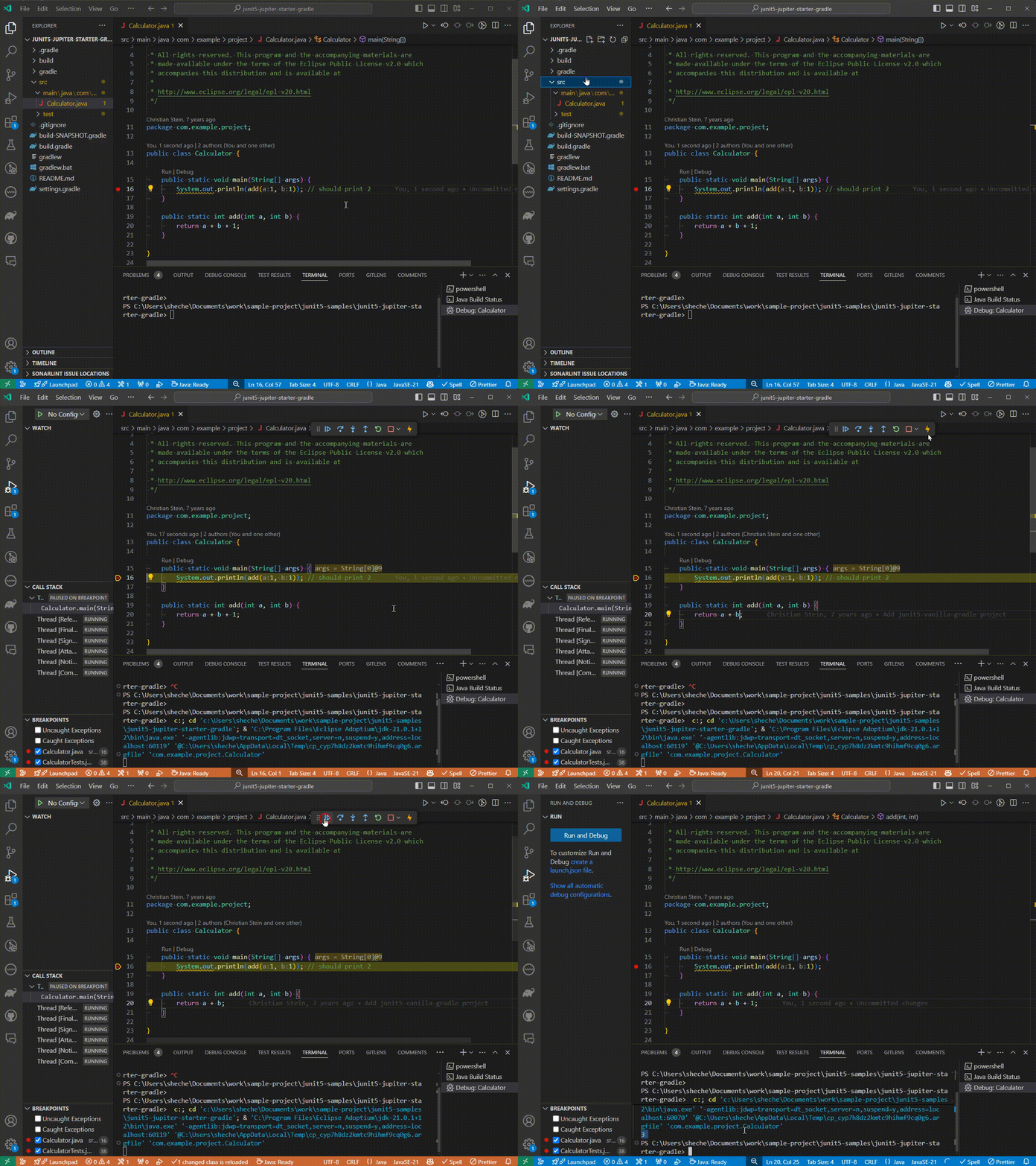
To learn more details about HCR, visit this link.
Delegate Test to Gradle
In our latest release, we have added the support of “Delegate test to Gradle”, This allows you to execute tests in VS Code Java via the Gradle test runner, ensuring alignment with command line tools and leveraging the advantages of Gradle tooling. To use this feature, simply select “Delegate Test to Gradle” as the default test profile before you run the tests. Here’s a demo on how to use it.
In this release, we only support “Run Tests”, but we also plan to support “Debug Tests” very soon, so please stay tuned.

To use Gradle features above, please install both Extension Pack for Java and Gradle for Java extension.
User experience improvements
Create Java Package in File Explorer
Creating Java package is a task Java developers perform frequently, and based on user feedback for easier access, we’ve added this operation into the right click context menu into the file explorer. To access it, the user just needs to right click on a folder in the File Explorer, and find the “Create Java Package” along with other common Java task there. Below is a screenshot for reference.
