


Hi everyone, welcome to the February update for Visual Studio Code for Java! In this blog we are going to share improvements for the project management experience as well as Maven multi-module support, so let’s get started!
More Convenient Ways to Create New Java Projects
We have often heard from developers that they need more convenient options to create Java projects and classes. In the latest release, we have added two more new points to create new Java projects. This includes File Menu and File Explorer. Now users can directly can go to the File Menu, click “New File”, and find “New Java Project” as an option. Here’s a demo.

The other option is to directly right click on a folder inside the File Explorer inside Visual Studio Code, and there will also be a “New Java Project”. Here’s a demo.
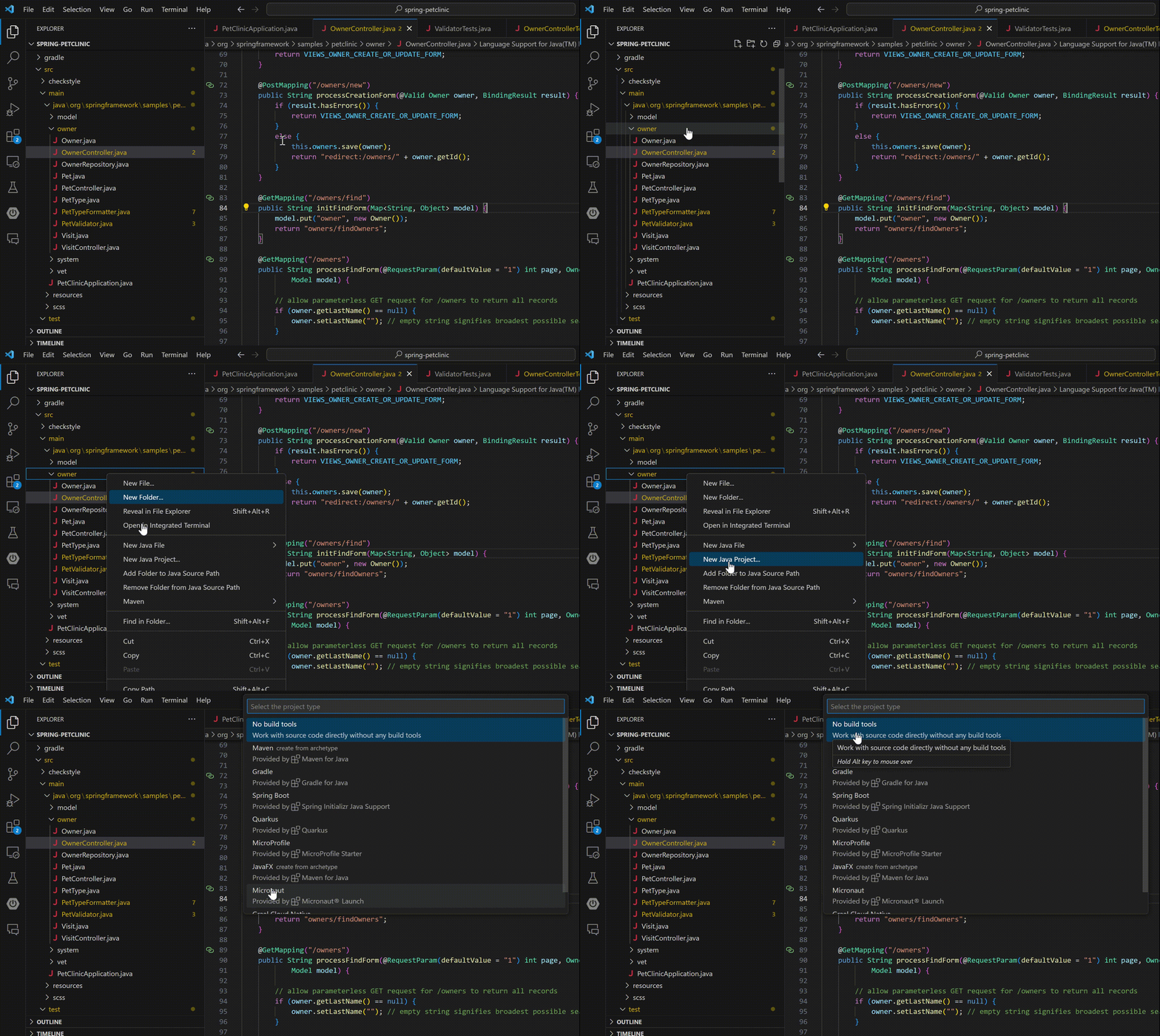
You can also see New Java File from this option and directly create relevant Java files, here’s the screenshot.
