
Use Hive’s link shortener to track clicks and see who’s engaging with your links.
how to access link analytics
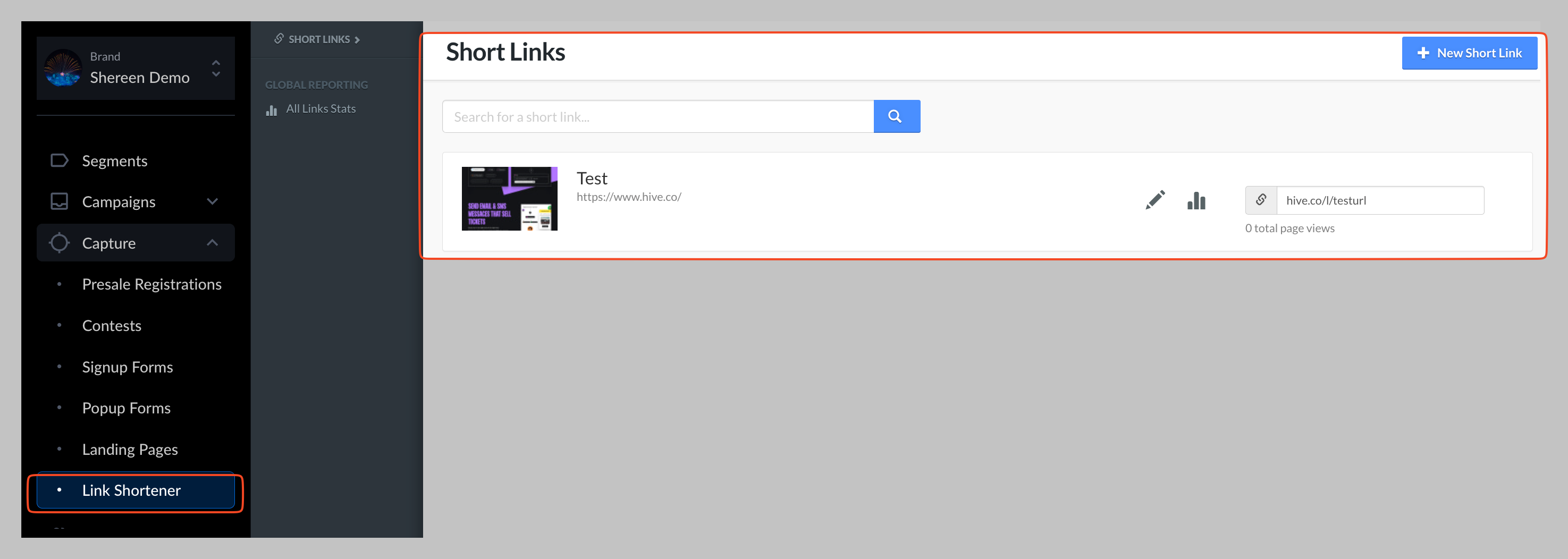
In the left sidebar, click capture → link shortener.
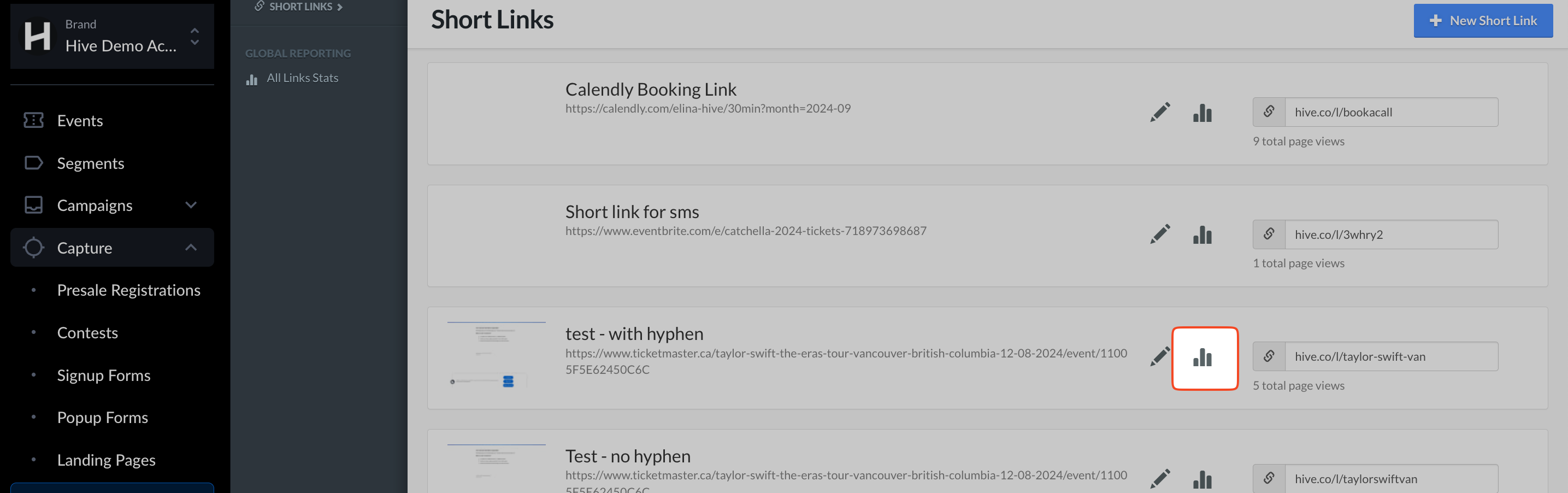
Find the link you want to review and click the link reporting icon.
What you can see
Traffic overview: total clicks, unique clicks, and click trends over time
Top channels/sources: where clicks are coming from (e.g., email, sms)
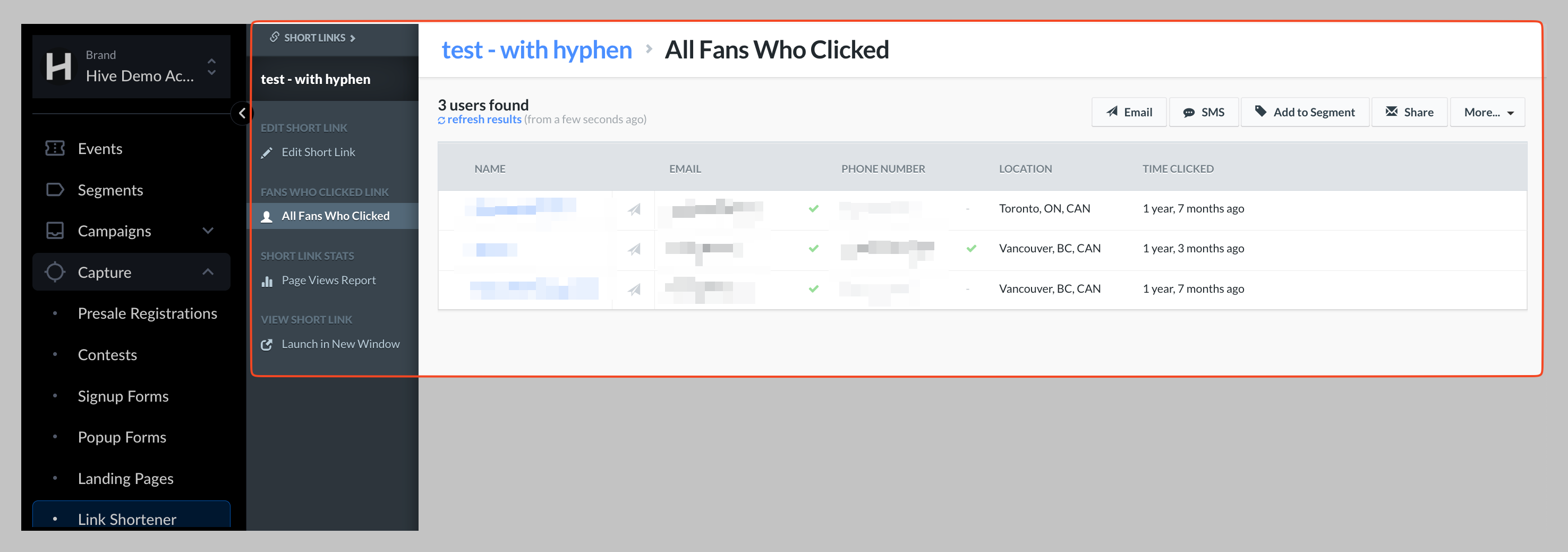
Engaged fans: contacts who clicked, with engagement indicators
Note:
For fan-level reports, Hive can only show contacts who clicked and have already signed up to your Hive contact list. Anonymous clicks (from people not in your list) are included in totals but won’t display individual profiles.