
ShortStack is a campaign and contest builder that helps businesses create engaging experiences—like giveaways, quizzes, landing pages, and user-generated content contests—to capture leads and grow their audience.
Connecting ShortStack to your email, SMS, and ads platform lets you automatically sync participant data from each campaign directly into your marketing system. This makes it easy to:
Instantly add new participants to segmented email and SMS lists
Trigger automations to send thank-you or follow-up messages
Retarget contest entrants with ads based on their engagement
Personalize future marketing using the data collected from campaigns
By integrating ShortStack, you turn every campaign or contest into a powerful lead-generation tool—seamlessly feeding your marketing channels with fresh, high-intent contacts.
Steps to connect ShortStack to Hive
In Hive, open the integrations page.
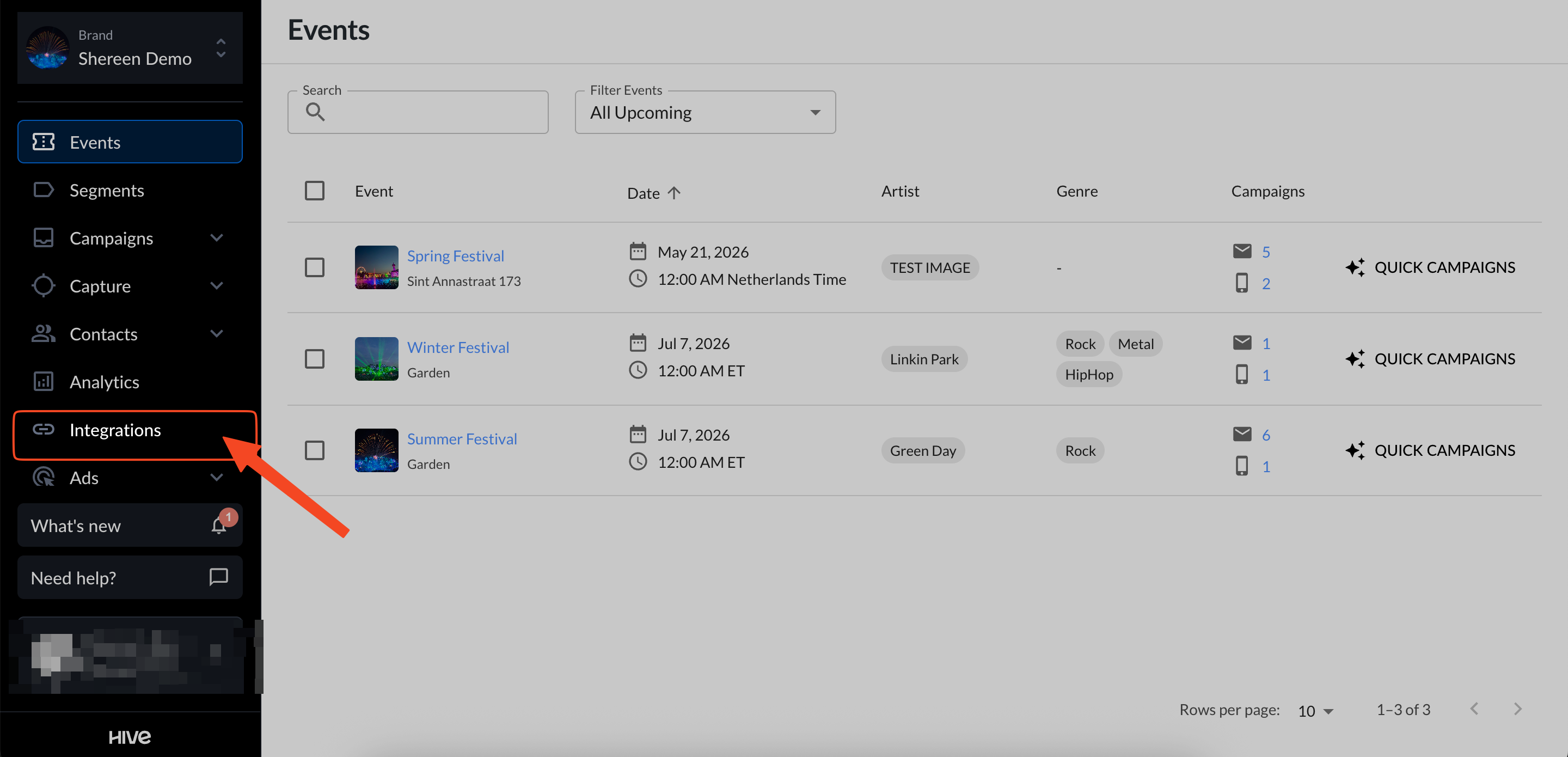
Find ShortStack under the Marketing Tools section and copy the link shown under Privy.

In your ShortStack account, create your campaign.

Hover over the highlighted form widget and select edit widget settings.

In the pop-up window, click edit form design.

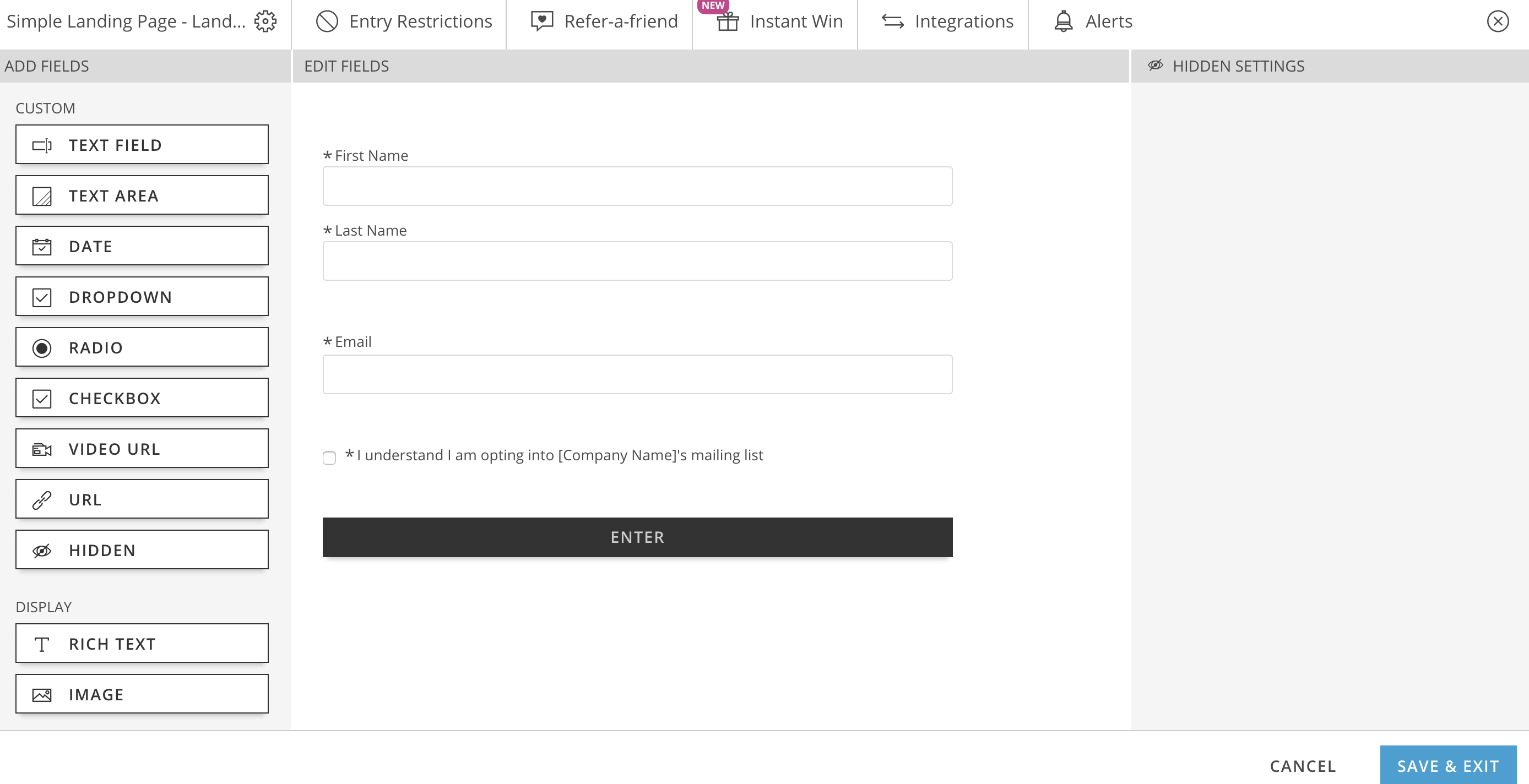
Click the integrations tab.

Under the add fields column on the left, choose hidden fields.
This adds a hidden fields section to your campaign so you can pass a segment value to Hive.
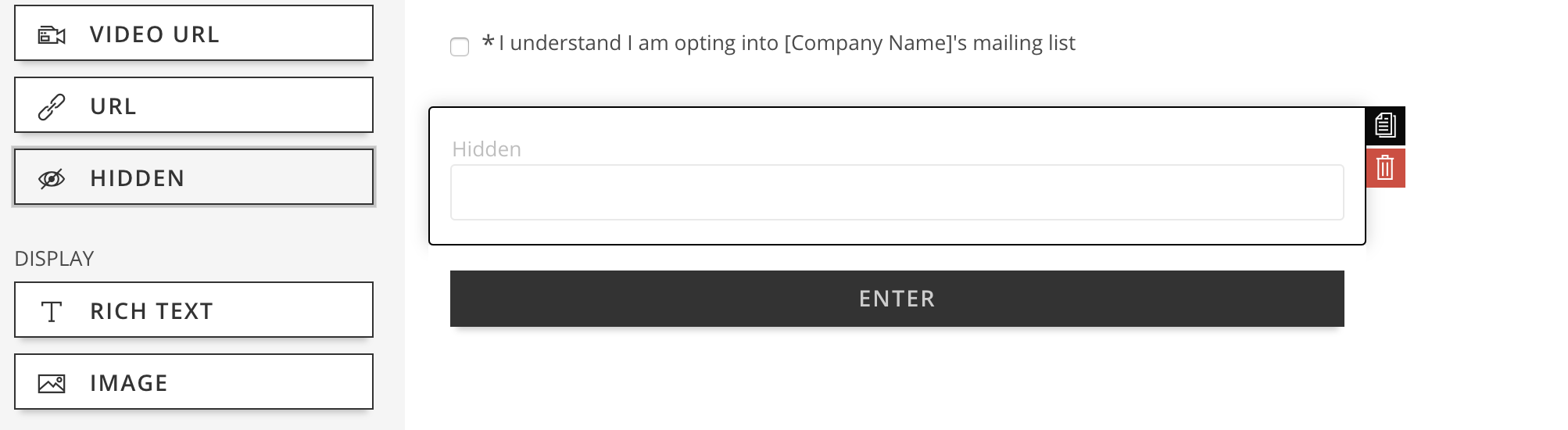
In the left sidebar, set the label and value (use your exact Hive segment name as the value).

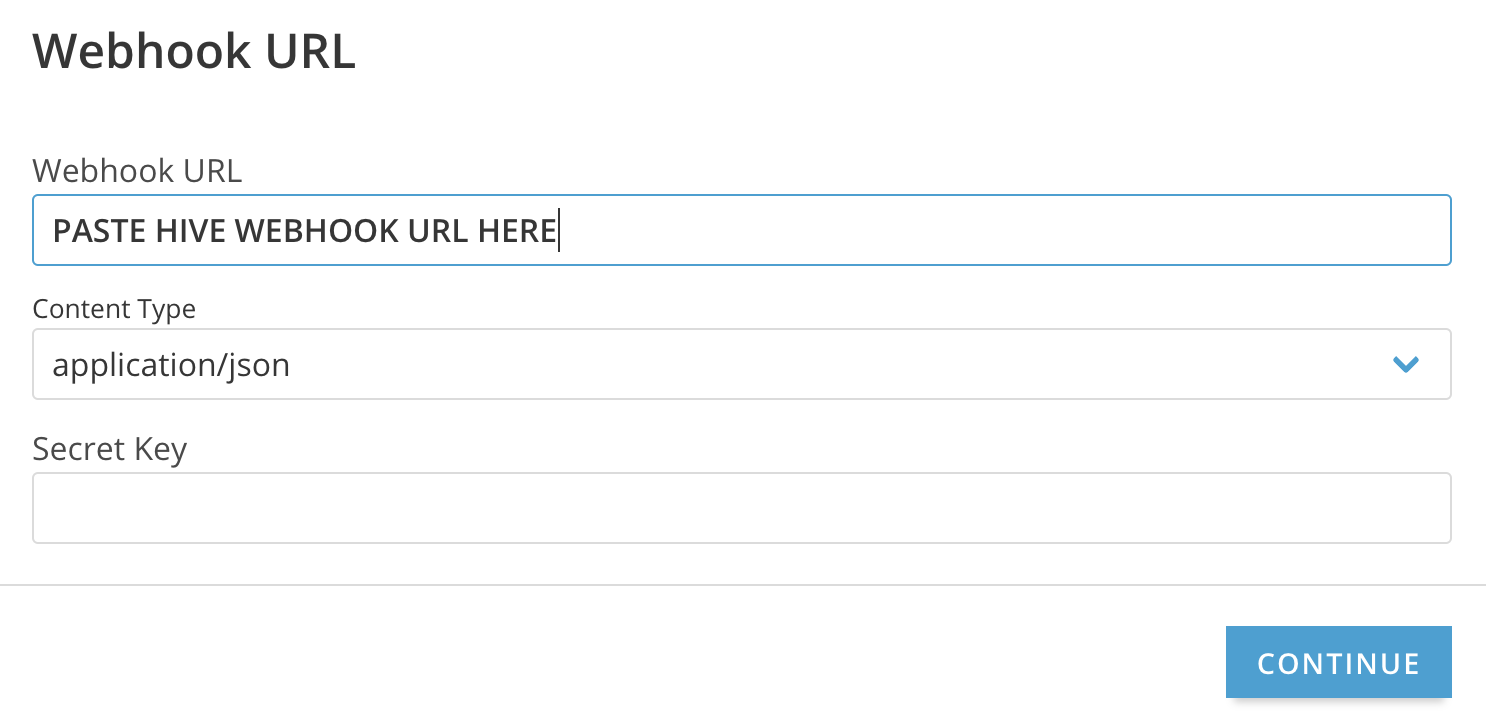
Click the integrations column again and toggle webhook to yes.
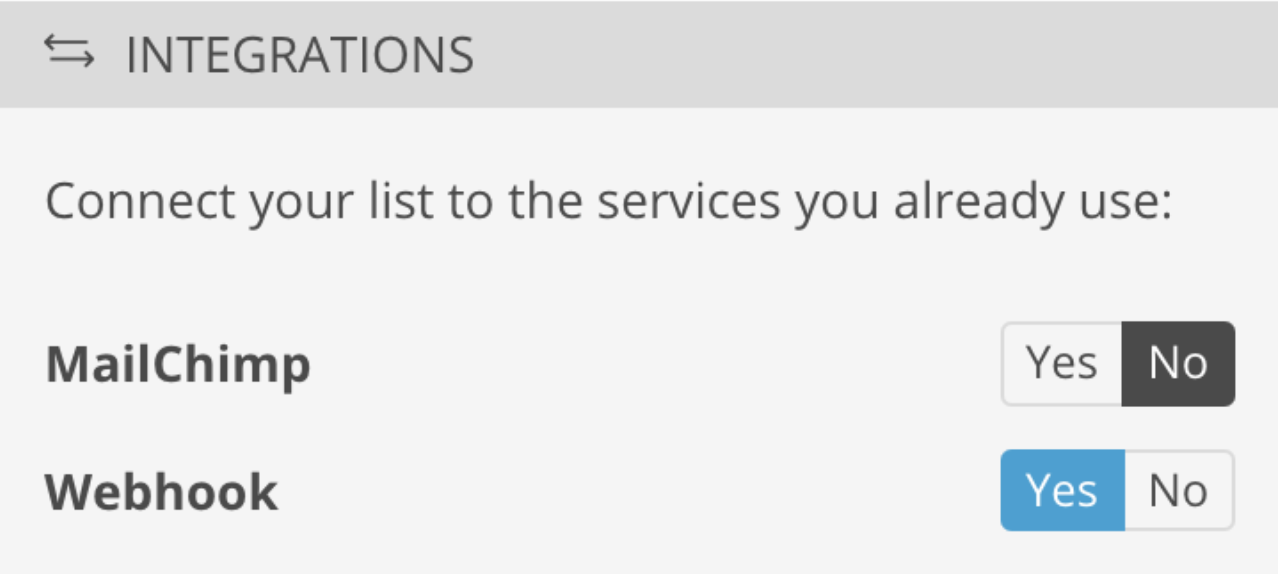
In the pop-up window, paste the webhook link from Hive into the text box. Set content type to application/json, then click continue.
In the map fields pop-up, change the hidden field mapping (for example, hive_segment_name) from custom_field_1 to the actual hidden field name you created.


Click save & exit on the remaining pop-ups to finish the integration.