
An organization admin has full access to your Hive account and all brands within it.
Add an organization admin
Click your user icon in the bottom-left corner to open the settings menu.
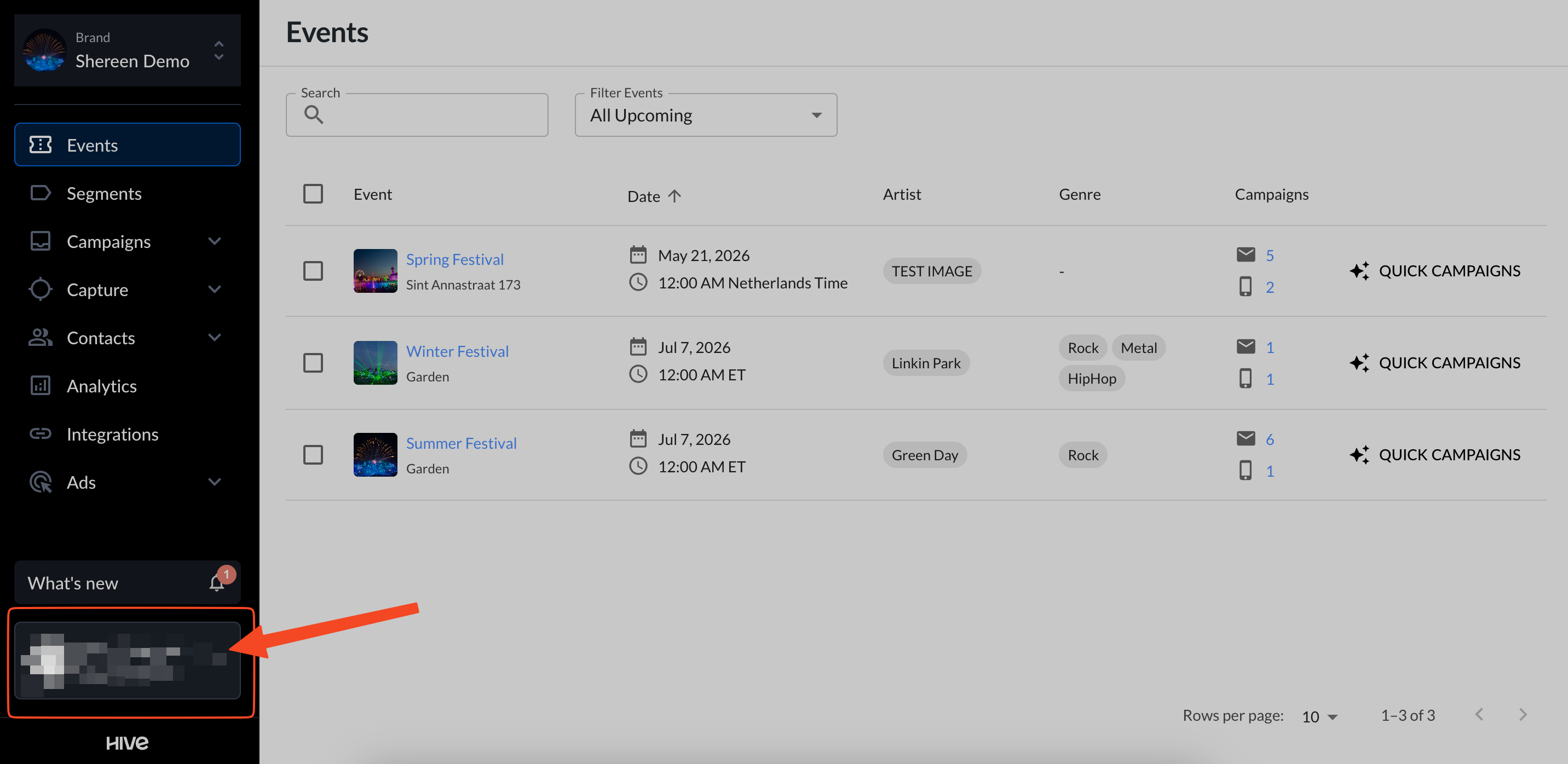
Select Org settings.

On the Edit Org Details, click + Add admin.
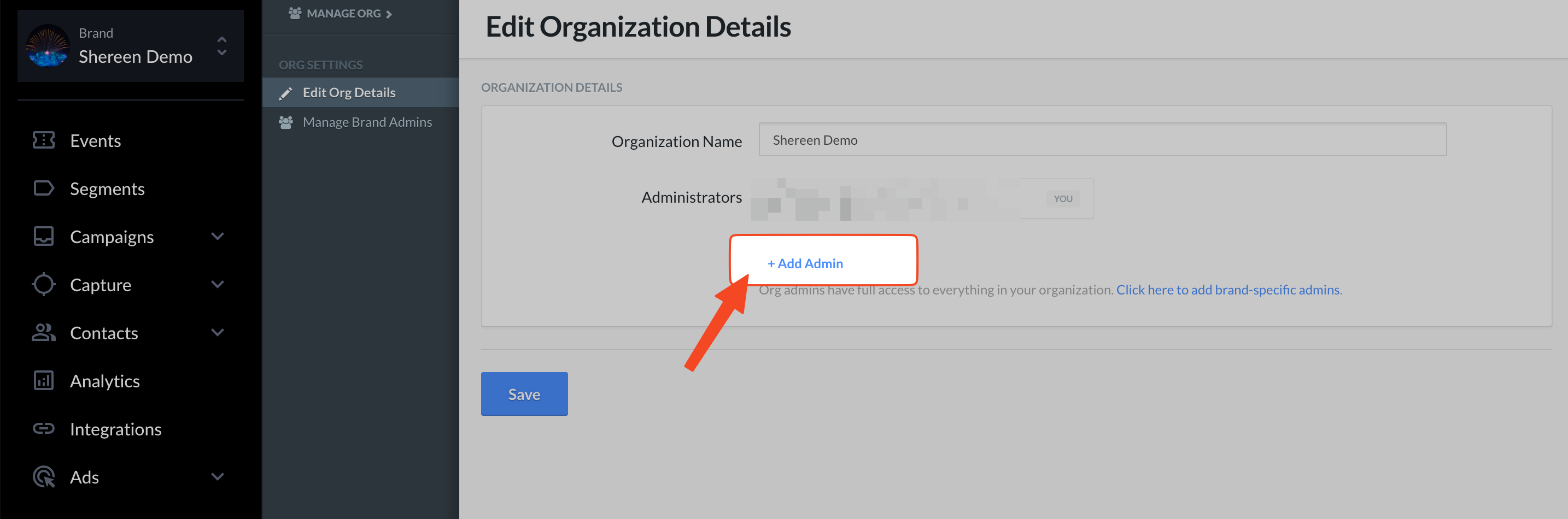
Enter the person’s name and email, then send the invite. They’ll receive an email to set up their Hive admin account and will be added to your organization.
If you don’t see “Org settings”
That means you aren’t an admin on your Hive account and can’t add other org admins. Please ask your current org admin to complete these steps, or contact Hive Support (support@hive.co) with your org admin cc’d so our team can help.