
Hive is an all-in-one marketing and CRM platform built for events. We help you connect with your audience, boost sales, and grow your brand—without the tech headaches.
Hive highlights
Automations without the guesswork
Set up hands-off flows like abandoned buyer, winback, and keyword automations to keep contacts engaged and coming back for more.

Powerful filtering and segmentation
Target the right people at the right time by grouping contacts based on purchase history, location, interests, engagement, and more.

Ticketing integrations
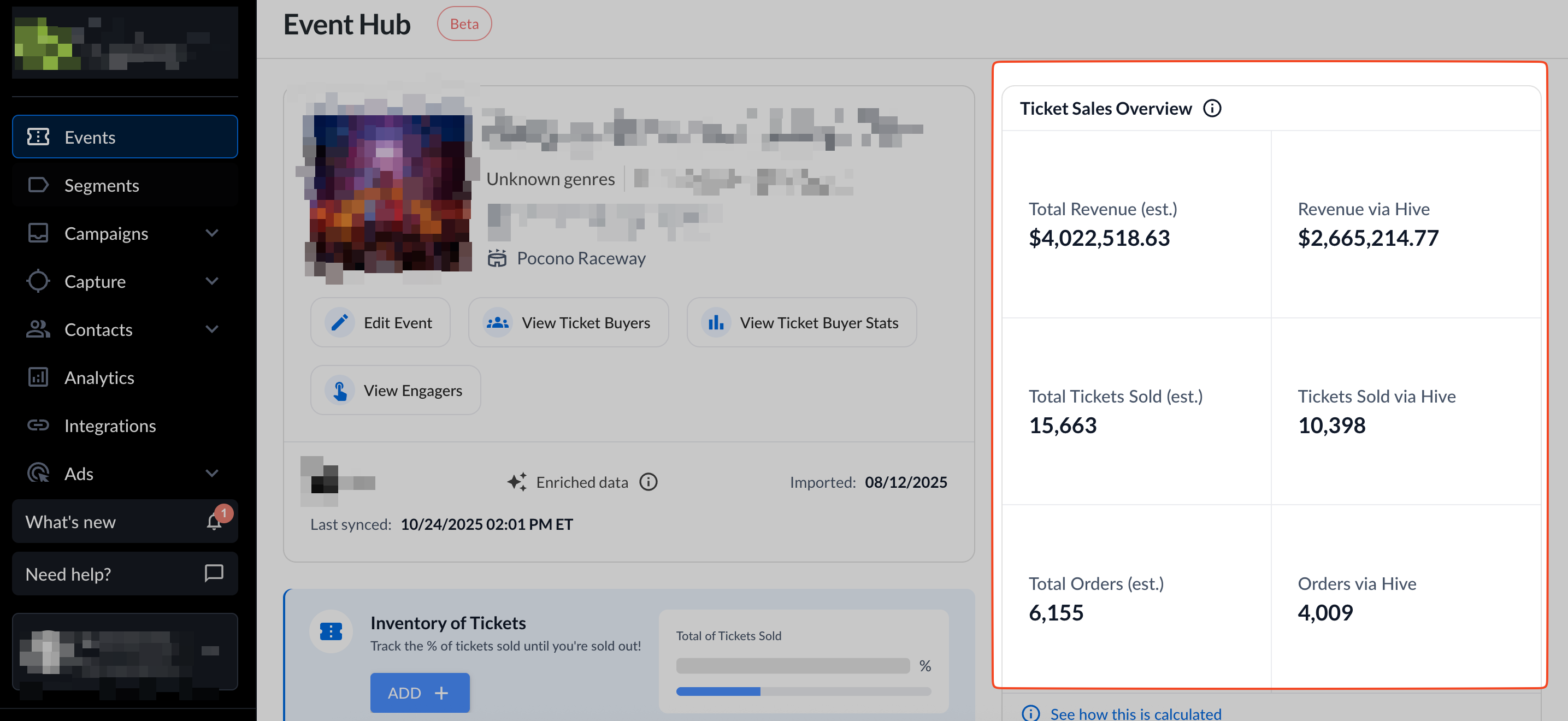
Sync smarter, not harder: Automatically pull in customer and event data from your ticketing platform to create richer, more actionable profiles.

Revenue attribution: data that delivers
Track which emails, texts, and ads are driving real ticket sales—with real-time insights to help you double down on what’s working and sell out faster.
World-class support
Think of us as an extension of your team—industry pros ready to help you fine-tune your strategy, optimize campaigns, and grow your audience.
Getting started
Here’s the quick start for Hive—plus an interactive demo you can check out!
1. Create your account
Your Hive journey starts with a chat with one of our team members.
If you haven’t booked a call yet, you can do book with our Sales Team here.
Want to prep for the call or explore options? Check out our Plans & Pricing page to see what might be the best fit.
2. Bring your events and contacts into Hive
Connect your ticketing platform, merch store, or upload a CSV. Hive will pull in all your customer data to build rich, complete profiles for smarter marketing.
3. Configure your account settings
These steps let you start sending branded emails and SMS/MMS messages.
4. Launch your first campaign
Once your contacts are imported, your subdomain is set, and your mobile number is activated, you’re ready to create campaigns.
Follow these quick guides to send your first email, SMS, automation, or ad, and start connecting with your audience like a pro.
Need a hand?
Help Center: Packed with step-by-step articles and how-tos, we recommend starting here.
Hive’s Resource Center: From guides and blog posts to event marketing tips, this space is full of helpful content. Check it out here.
Email support: Reach us at support@hive.co. VIP plan customers can contact their dedicated Customer Service Manager.
Chat support: Click the chat icon in your Hive account to start a conversation with our team.