
Privy is a marketing and conversion tool designed to help eCommerce stores grow their audience and increase sales. It allows you to create popups, banners, and embedded forms that capture visitor information—like email addresses and phone numbers—right from your website.
Connecting Privy to your email, SMS, and ads marketing platform ensures that every signup flows directly into your marketing ecosystem. This lets you:
Automatically add new subscribers to targeted email and SMS automations
Segment contacts based on where and how they signed up
Retarget recent signups or cart abandoners through ads
Personalize follow-ups with offers that match each customer’s behaviour
With Privy connected, you can turn your on-site traffic into high-intent subscribers and use that data to power timely, relevant, and revenue-driving marketing across all your channels.
Steps to connect Privy to Hive
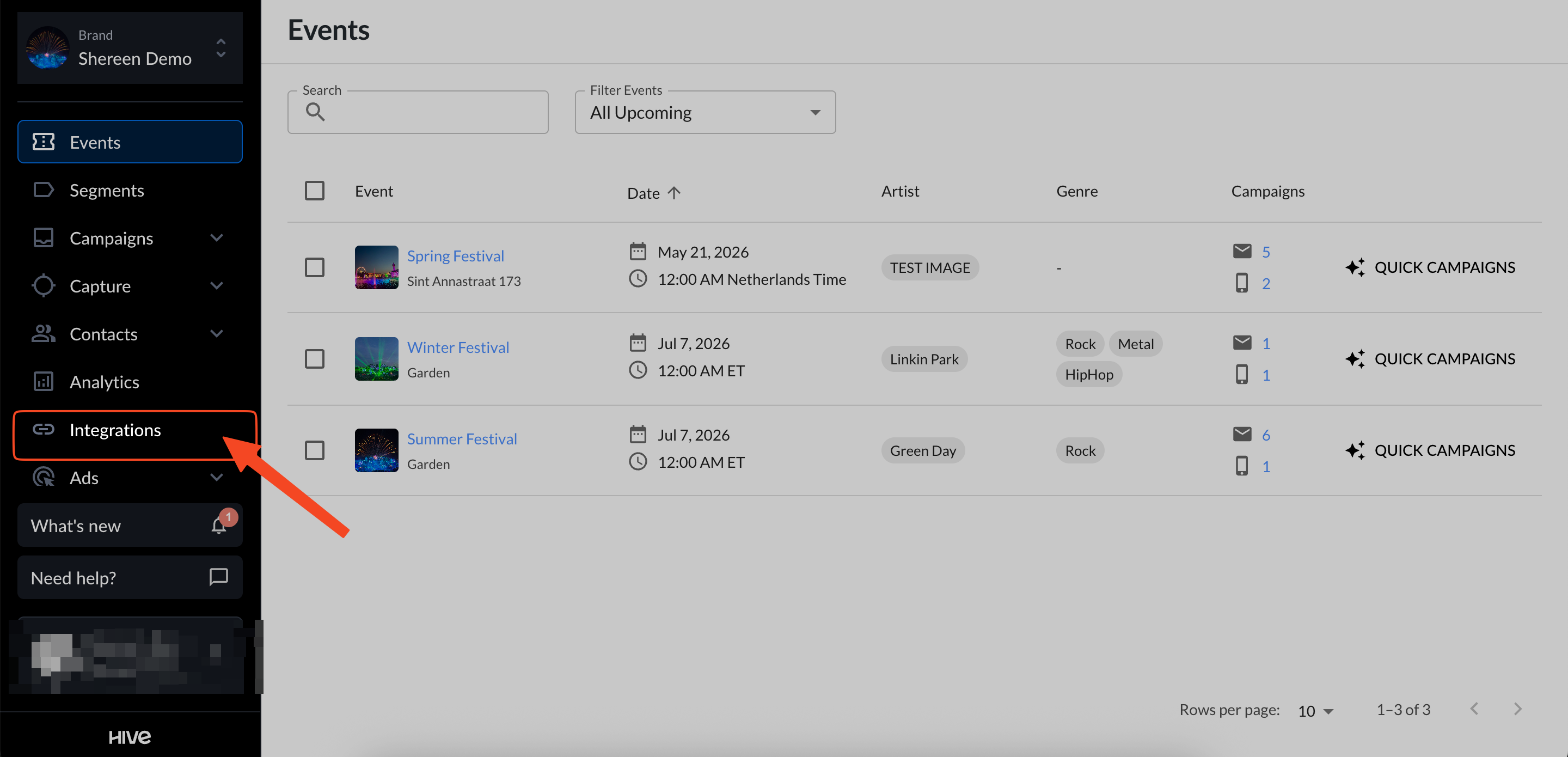
In Hive, open the integrations page.
Find Privy under the Marketing Tools section and copy the link shown under Privy.
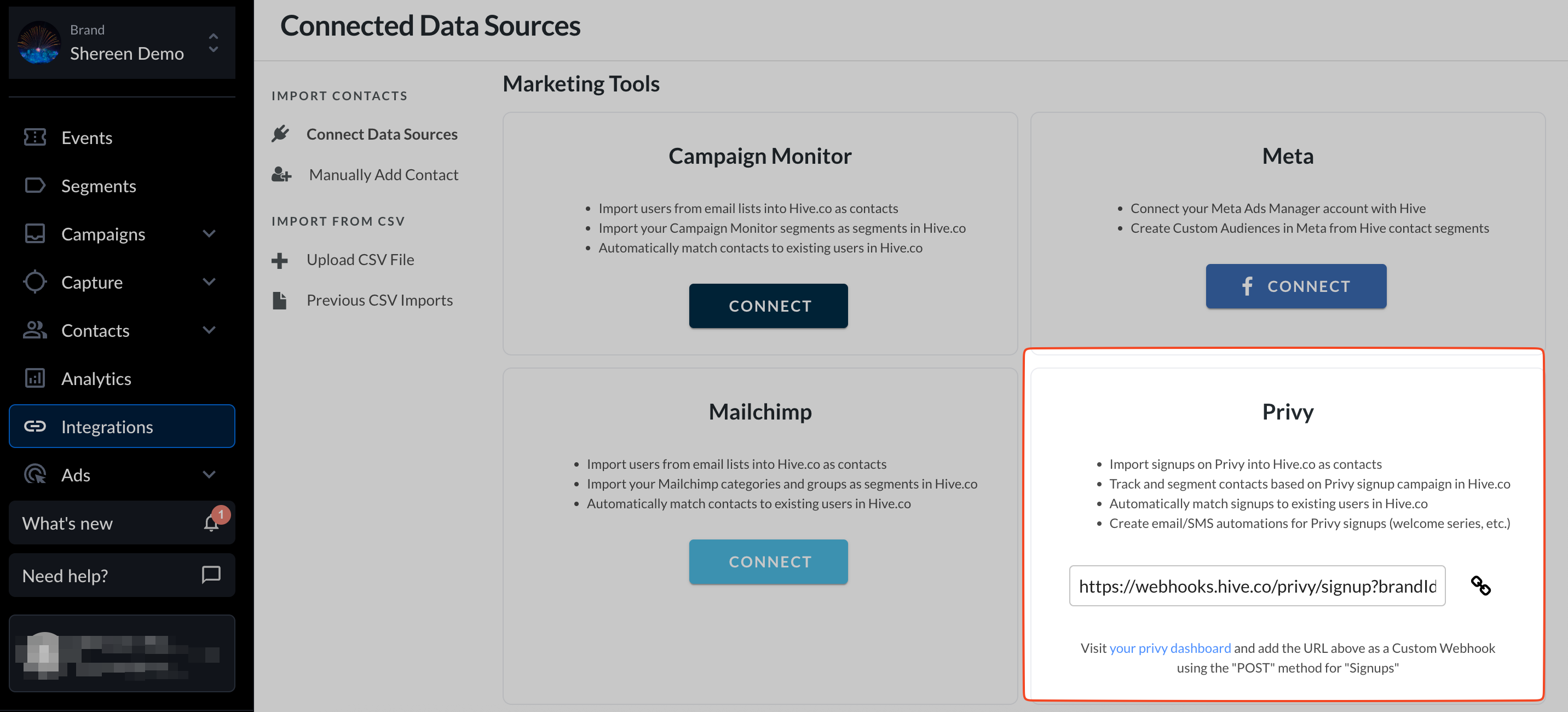
In your Privy dashboard, add this URL as a custom webhook using the POST method for the “Signups” event.
You’re connected! Hive will import your contacts from Privy, add them to your contact list, and keep them in sync. You can view these contacts under Privy segments on the Segments page.

Data synced from Privy includes:
Address 1
Address 2
City
State
Zip
Country
Phone
Gender
Birthday