
Connecting Eventbrite automatically imports and regularly updates your customer data in Hive. This will let you dig deeper into who your customers are and send them well-targeted email marketing campaigns.
Note: While this article focuses on Hive’s Eventbrite integration, Hive also connects with most major ticketing platforms. For an overview of integrating other ticketing platforms, check out this article. For the full, up-to-date list of supported ticketing integrations, visit our website.
Steps to connect Eventbrite to Hive
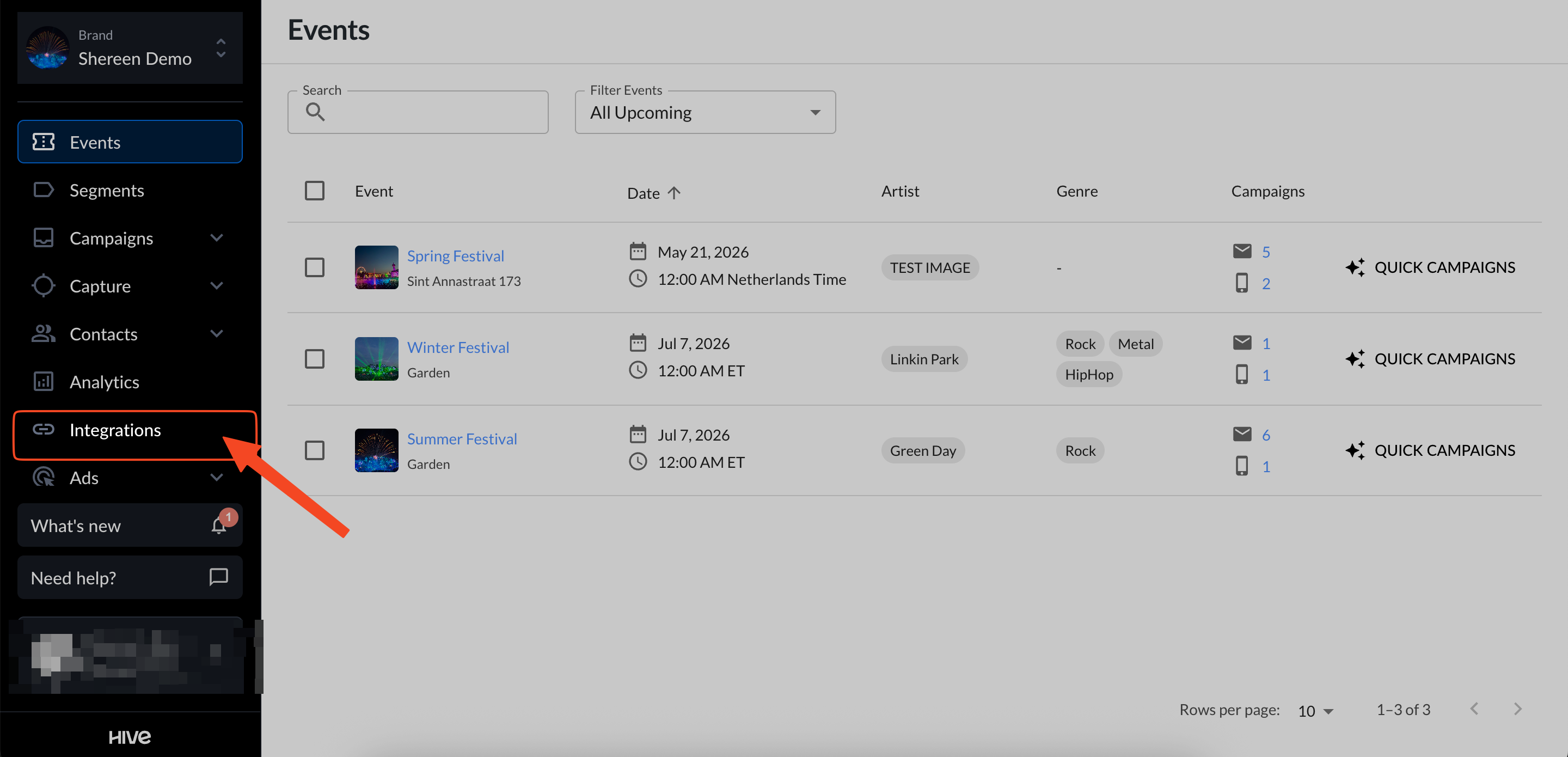
In your Hive account, navigate to the Integrations page from the left hand menu.
Scroll to the Eventbrite tile under the Event Management section and click Connect.

An sign-in window will open. Sign in to your Eventbrite account and authorize Hive to access your ticketing data.

Once you have signed in and authorized the connection- that’s it! Hive automatically imports your Eventbrite contacts, syncs event and purchase data, and keeps your account up to date as new interactions occur.
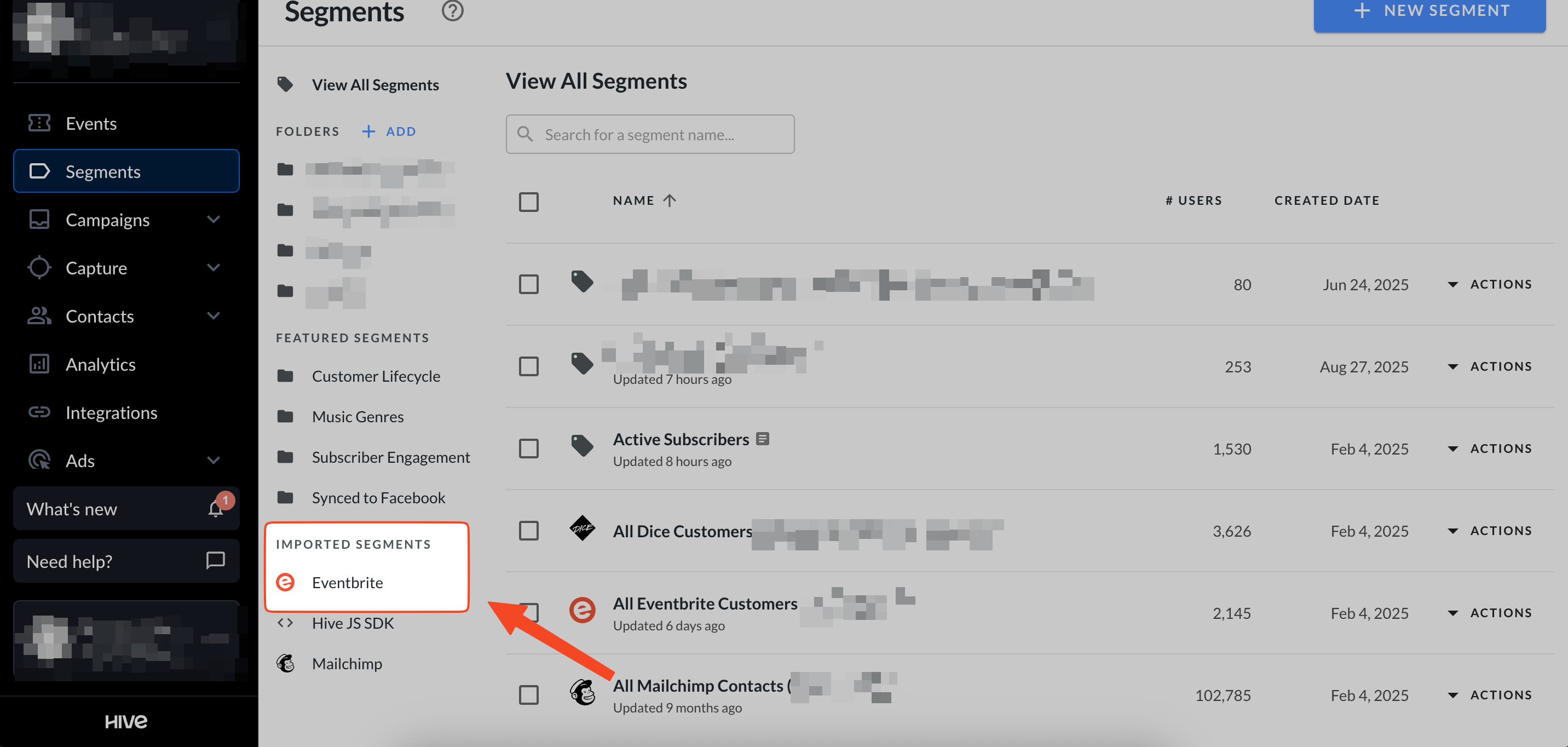
On your segments page under Imported Segments, you’ll also see an Eventbrite folder where all purchasers are automatically added.
Using your Eventbrite data
With the Eventbrite integration enabled, you’ll be able to take advantage of Hive’s event based tools & reporting, such as the